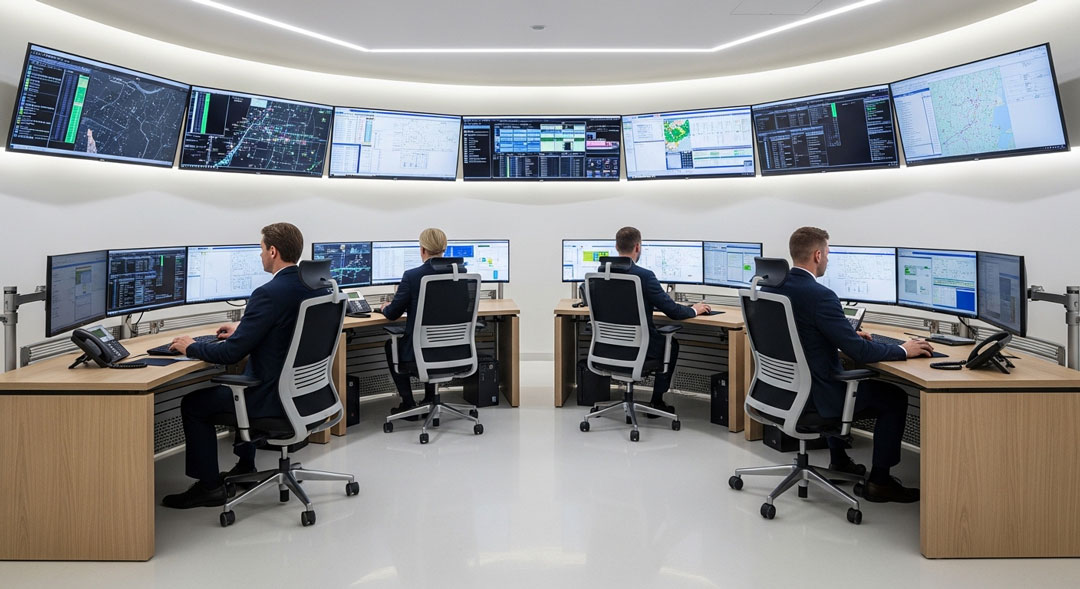
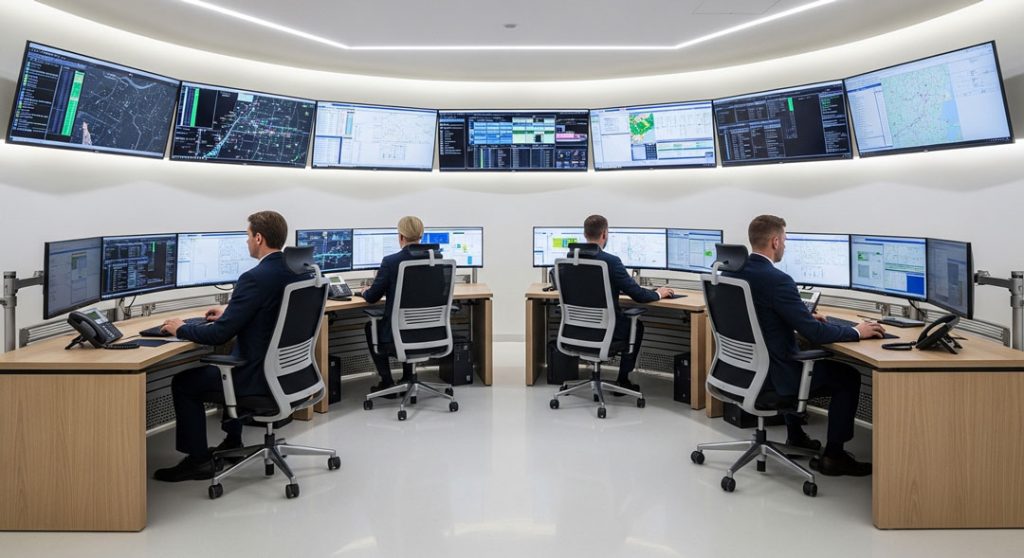
Designing a control room is a complex balancing act. It is not merely about choosing the right monitors or the most comfortable chairs; it is about creating a high-stakes ecosystem where human operators can process massive amounts of data and make critical decisions under pressure. Whether it’s for a utility grid, an industrial plant, or a security hub, the goal remains the same: maximizing situational awareness while minimizing fatigue.
1. The Human-Centric Layout
The foundation of any control room is the human operator interface. Designers must account for “Human Factors and Ergonomics” (HFE) to ensure the physical environment supports the cognitive workload.
- Sightlines: Operators must have an unobstructed view of both their personal desktop monitors and the “Large Format Display” (LFD) or video wall.
- The Primary Field of View: Displays should be positioned within a $30^\circ$ horizontal arc of the operator’s natural line of sight to prevent neck strain.
- Traffic Flow: The layout should allow for supervisors to move behind operators without causing distraction, and for quick egress during emergencies.
2. Environmental Controls and Ergonomics
Because control rooms often operate 24/7, the environment must be optimised for long-term health and alertness.
- Lighting: Lighting should be indirect and dimmable. High-intensity “cool” light is often used during night shifts to help suppress melatonin and keep operators alert, while “warm” light is preferred for transition periods.
- Acoustics: Sound-absorbing materials (carpeting, acoustic ceiling tiles, and fabric-covered consoles) are essential to prevent the “cocktail party effect,” where background noise interferes with critical communication.
- Furniture: Consoles should be sit-stand capable. This allows operators to change posture, which increases blood flow and combats the metabolic slowdown associated with sedentary work.
3. The Digital Architecture: Video Walls and Data
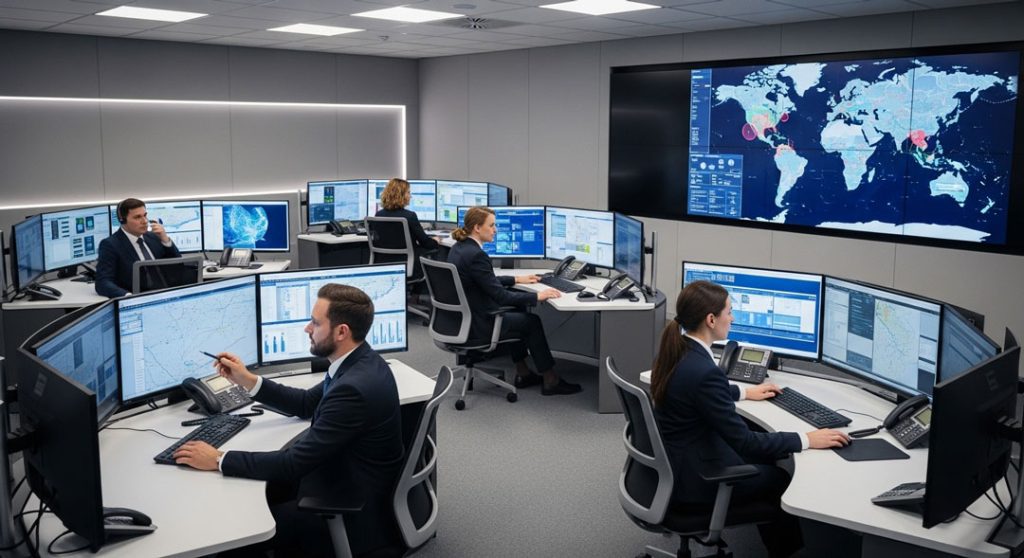
The video wall serves as the “Single Source of Truth” for the entire team. Modern control rooms use distributed visualisation systems to manage this data.
| Component | Purpose | Key Consideration |
| Video Wall | Shared situational awareness. | High resolution (4K/8K) and seamless bezels. |
| KVM Switches | Allows one operator to control multiple PCs. | Must have near-zero latency for real-time response. |
| Operator Workstation | Individual task management. | Screen real estate vs. cognitive overload. |
4. Managing Cognitive Load
Information overload is a primary cause of operator error. Effective design uses High-Performance HMI (Human-Machine Interface) principles:
- Color Usage: Use neutral grays for standard operations. Bright colors (red, orange, yellow) should be reserved strictly for alarms and abnormal conditions.
- Data Hierarchy: The most critical information should be “at a glance,” while deeper diagnostic data is accessible via a secondary layer.
- Alarm Management: Systems should be designed to prevent “alarm flooding,” where an operator is overwhelmed by hundreds of non-critical alerts during a single event.
5. Future-Proofing
Technology evolves faster than the physical buildings that house them. A well-designed control room includes:
- Raised Flooring: To allow for easy re-cabling as hardware is upgraded.
- Modular Consoles: To add or remove workstations as team sizes change.
- Redundant Power: (UPS and backup generators) to ensure 100% uptime.